How to Share a Password Securely (Without Email)
February 20, 2026
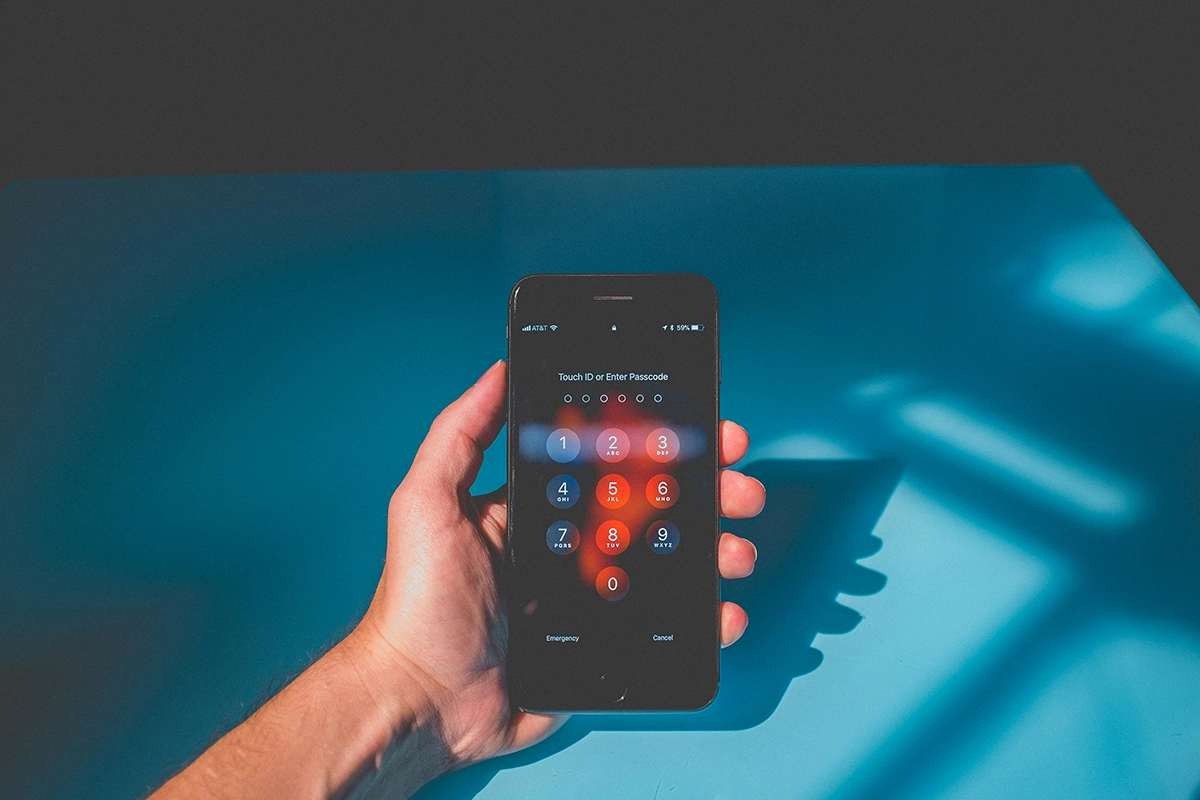
We have all done it. You need to give someone a password quickly, so you type it into an email and hit send. It feels harmless in the moment. But that password now lives in your sent folder, in their inbox, and quite possibly in cloud backups on both sides. If either account is ever breached, that password is exposed. And since most people reuse passwords, one leaked credential can unlock far more than just one account.
The good news is there are several much safer ways to share a password, and none of them are complicated. This guide covers your best options, when to use each one, and what to do after you have shared the credential to keep your security tight.
Why Email Is a Bad Choice for Passwords
Before getting into the alternatives, it is worth understanding exactly why email is such a poor channel for passwords. Most people know it is not ideal, but the specific reasons matter for choosing the right alternative.
Email was not designed for sensitive information. A standard email is not end-to-end encrypted, which means it can potentially be read by your email provider, intermediate mail servers, and anyone who gains access to either account. Messages are stored long-term by default, on servers you do not control, and in backups that are rarely cleaned up.
When you email a password, you are creating a permanent, searchable record of that credential in at least two email accounts. That record can stay there for years. According to multiple security research reports, credential theft from compromised email accounts is one of the leading causes of account takeover attacks precisely because so many passwords have been shared over email at some point.
Even if you trust the recipient completely, you cannot control what happens to their account. An account compromise, a shared device, or an auto-forwarding rule can all expose email content without the account owner's knowledge or intent.
The Best Alternatives for Sharing Passwords Securely
1. Use a Self-Destructing Note
This is the simplest and most practical option for one-off password sharing. You visit a tool like selfdestructingnotes.org, paste the password into the note field, and click to generate a one-time link. You send that link to the other person through whatever channel you normally use. They open the link, read the password, and the note is permanently deleted from the server. The link stops working immediately after it is opened.
The key advantage is that the actual password never appears in any chat history or email thread. What gets sent is a one-time URL. Even if someone digs through old messages later, all they will find is a dead link pointing to a note that no longer exists.
It takes about 30 seconds and requires no account, no app, and no technical setup. For a quick, one-off password transfer between any two people, it is hard to beat.
2. Use a Password Manager with Sharing Features
For teams or families who regularly share access to accounts, a dedicated password manager is the gold standard. Tools like 1Password, Bitwarden, and LastPass all offer built-in sharing features that let you give another user access to a credential without ever showing them the raw password string. You share access; they can use the login; you can revoke that access at any time.
This approach is especially powerful for business contexts where credentials change periodically and multiple people need access. It keeps everything organized, auditable, and revocable, which no ad-hoc sharing method can match.
The main limitation is that both parties need to be using the same password manager, or at least a compatible one. For sharing with someone outside your organization or household, the setup overhead may not be worth it for a single credential.
3. Share It Over an Encrypted Messaging App
Apps like Signal offer end-to-end encryption and have a disappearing messages feature that can be set to automatically delete messages after a short time. This is a significant improvement over standard email or chat apps that store message history indefinitely.
WhatsApp also uses end-to-end encryption, though its disappearing message settings are less granular than Signal's, and its connection to Meta gives some people pause from a privacy standpoint.
The limitation of this approach is that even with disappearing messages enabled, the password still passes through a chat interface where it could be seen by anyone with access to either device. It is better than email, but not as clean as a self-destructing note that removes the content from any chat history entirely.
4. Say It Out Loud
Old fashioned, but genuinely effective. A phone call or in-person conversation leaves no digital record whatsoever. The recipient hears the password, types it in, and that is the end of it. No server logs, no chat history, no email archive.
This is particularly useful for sharing passwords with less technically minded people who might struggle with other methods. It is also useful when you need the sharing to happen with absolute certainty that no digital trace is created. The obvious limitation is that it only works when both parties can be on a call or in the same room.
5. Use Your Organization's Secure Portal
If you are sharing credentials in a professional context, check whether your organization has a secure internal tool for this purpose. Many IT departments provide a secrets manager, an internal wiki with appropriate access controls, or a dedicated credential sharing system precisely because they recognize the risks of ad-hoc methods. Using the official tool is both more secure and keeps you within your organization's data handling policies.
Choosing the Right Method
| Situation | Best Method |
|---|---|
| Quick one-off share with anyone | Self-destructing note |
| Regular sharing within a team | Password manager with sharing |
| Sharing with a privacy-conscious contact | Signal with disappearing messages |
| Sharing with a non-technical person | Phone call or self-destructing note |
| Professional context with IT infrastructure | Organization's secure portal |
What to Do After Sharing
Regardless of which method you use, there is one follow-up step that is worth making a habit: change the password once the other person has had a chance to log in and save it to their own password manager.
This is especially important if the credential was shared for temporary access. Once a contractor, a guest, or a short-term collaborator has logged in, rotating the password means that even if something went wrong during the transfer, the exposed credential is no longer valid. It also means that when the temporary access period ends, you are not relying solely on the other person to stop using the login.
For permanent credential sharing, such as giving a colleague ongoing access to a shared tool, a password manager with proper access controls is a cleaner long-term solution than sharing the raw password and hoping nobody needs to rotate it anytime soon.
The Bottom Line
Sharing a password securely does not require technical expertise. It requires choosing a better tool than email for a task that email was never designed to handle. For most situations, a self-destructing note takes 30 seconds and is dramatically safer than the alternative. For ongoing or team-based credential sharing, a password manager is worth the small investment of setup time.
The habit of choosing the right channel for sensitive information is one of the most practical things you can do for your digital security, and it costs almost nothing once it becomes second nature.
Share your next password securely in under 30 seconds at selfdestructingnotes.org - no account needed, nothing stored after reading.